
Getting started
When you create a workspace, Otto asks for a card. It verifies the card with Stripe (no charge) and adds a $10 welcome credit so your first reviews can run. Auto-reload is on by default, and you can change it before you save the card.Adding funds
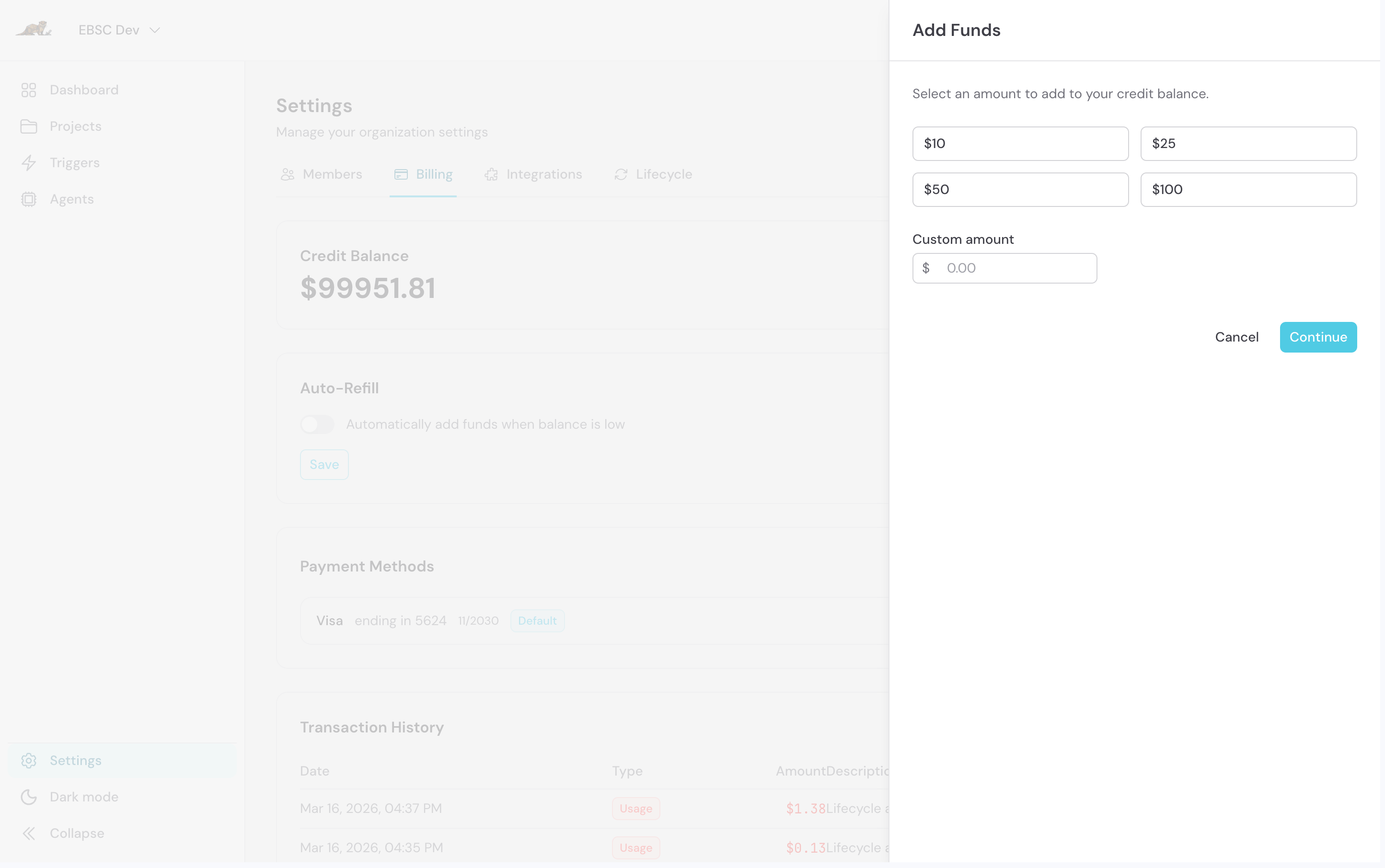
- Go to Settings → Billing.
- Click Add Funds.
- Choose a preset amount or enter your own.
- Pay through Stripe.
How charges work
- Only verified usage is billed. Estimated prices are shown for previews only and are never billed.
- Review charges are grouped by pull request, so you can see what each PR cost.
- Depth affects cost. Deeper review depths cost more; use
otto.ymlto spend depth where it matters and ignore files that don’t need review. - Fractional cents are kept and carried into later charges instead of rounding each request up.
- Unverified usage stays pending until it can be reconciled. Otto never guesses a cost.
What you’re not charged for
- Workflow attempts that fail terminally, and failed recovery attempts. A failed attempt stays waived even if a later retry succeeds.
- Skipped reviews and PRs too large to review automatically.
When automation pauses
Otto pauses automation for a workspace when:- It runs out of credits, or
- 3 workflow attempts in a row fail terminally, or
- Failed attempts absorb $5.00 of cost within 24 hours.